Keep business moving.
Access clients and opportunities. Work with quotes, invoices and work orders wherever business happens.
Clients / Sales / DocumentsYOUR NEW WAY TO WORK

Work doesn't always happen at the office. Your ERP shouldn't have to stay there either.
People, projects, operations and artificial intelligence. Connected to GesGrid, in an app that moves with you.
GesCore-Prime privacy policy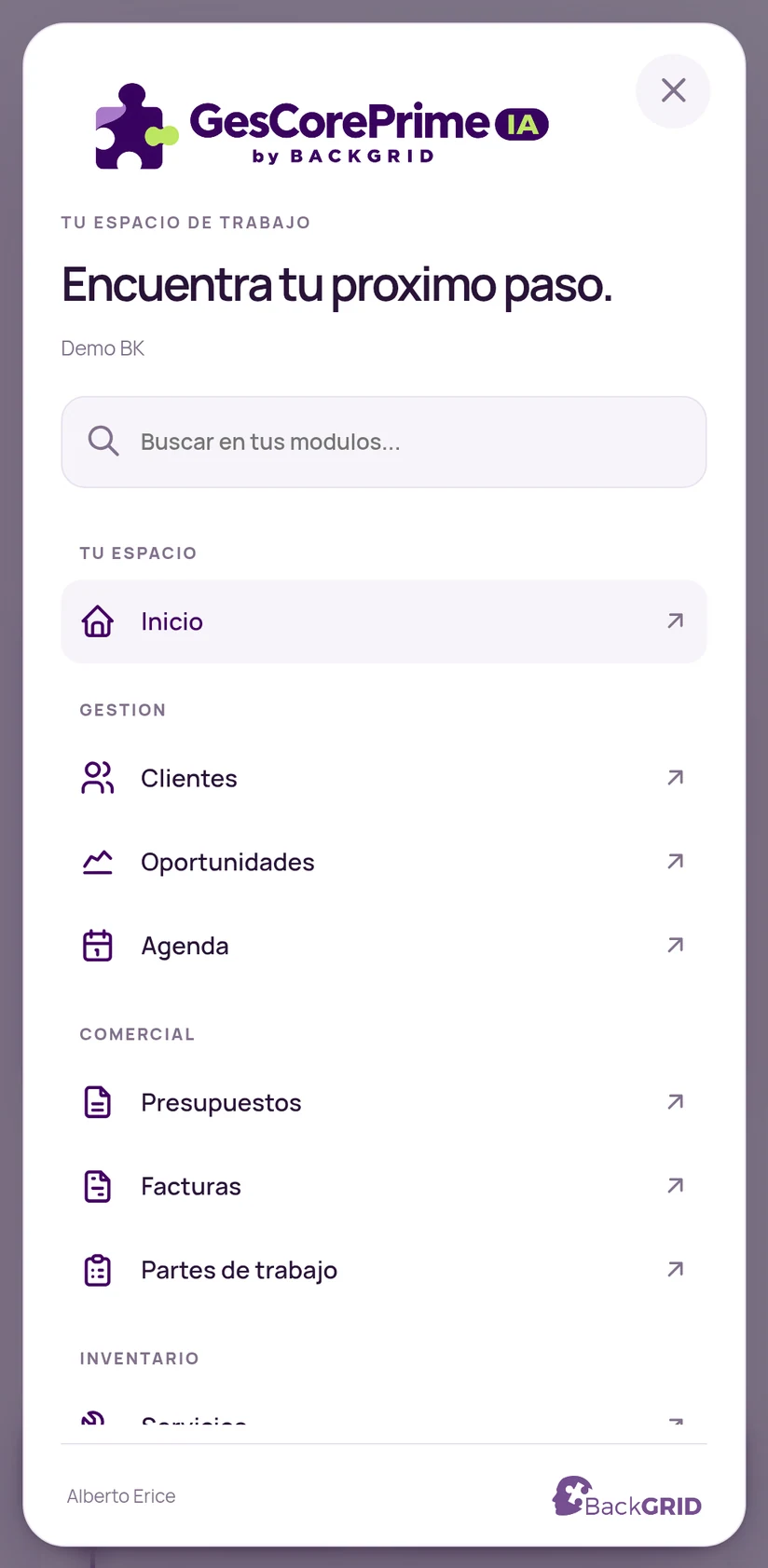
01 / INSIDE THE APP
Keep your tools together. Find what you need and get on with your day.
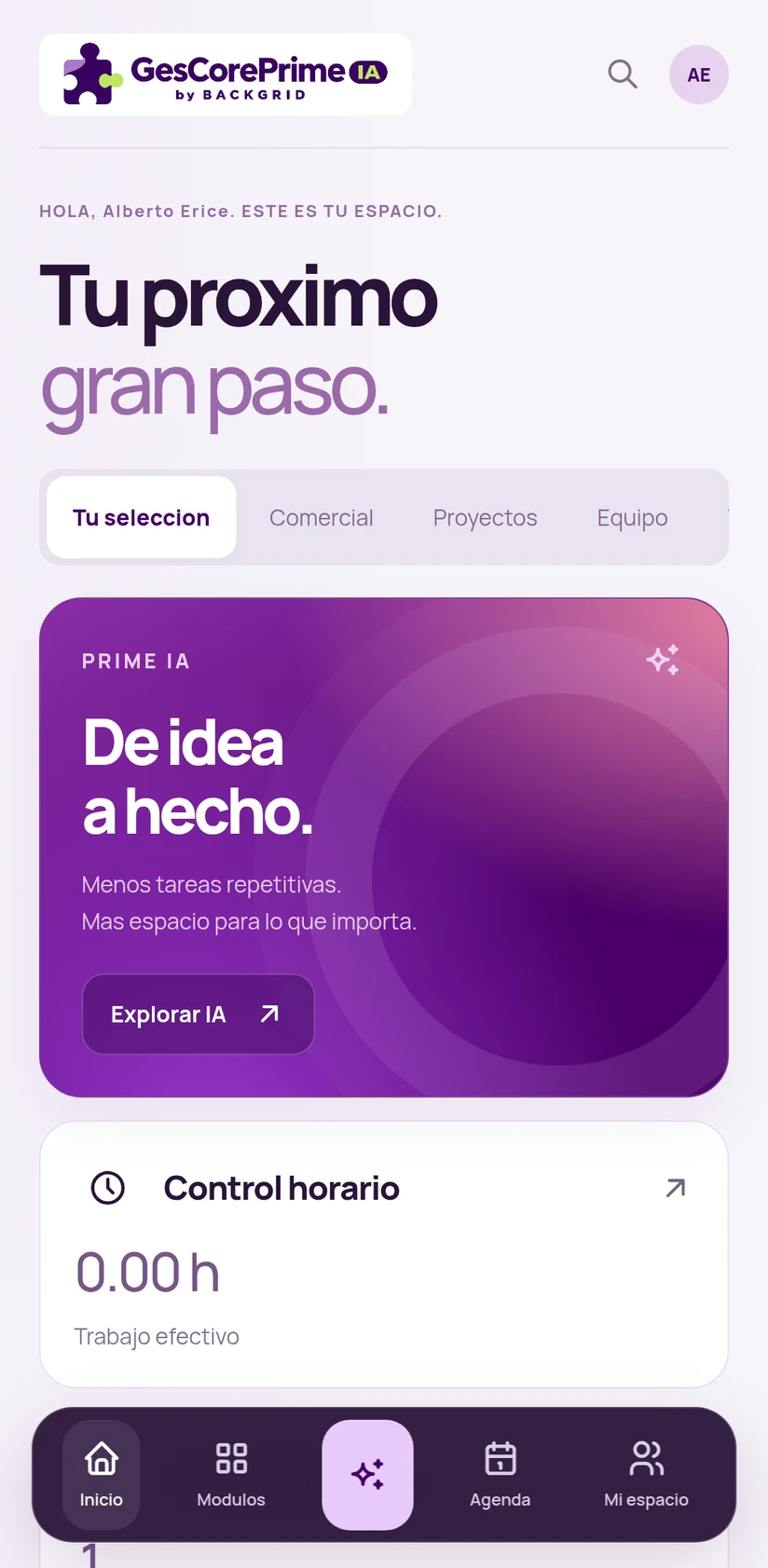
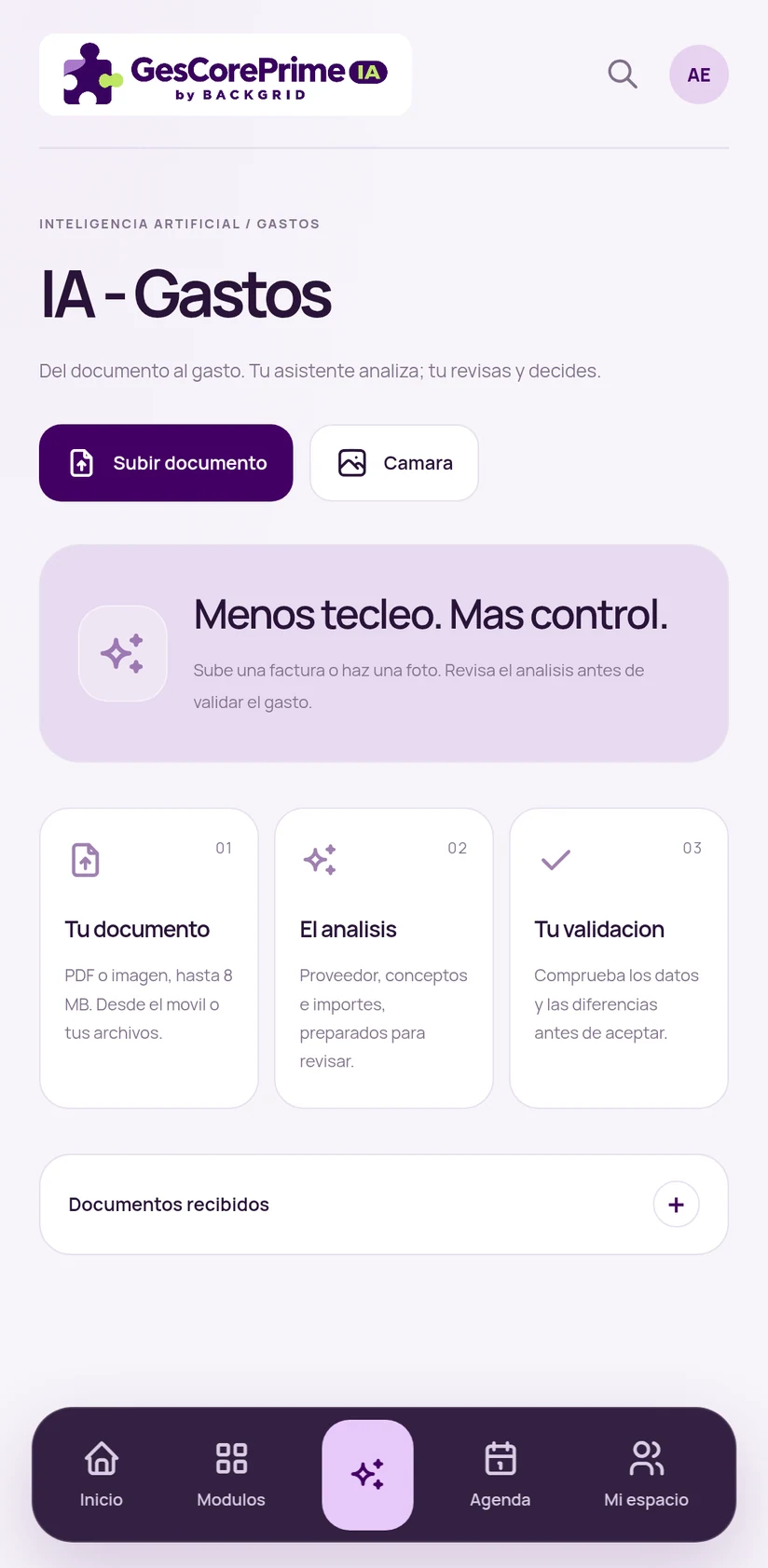
These are real app screens, captured in a demonstration environment.
Your shortcuts, activity and business tools come together in a clear, customisable home screen.
Clients, calendar, quotes, invoices, projects and people. A searchable menu that adapts to your company's modules and permissions.
Upload an invoice or take a photo. AI prepares the supplier, line items and amounts for review. You check the data before accepting.
02 / MADE FOR YOUR EVERYDAY
Access clients and opportunities. Work with quotes, invoices and work orders wherever business happens.
Clients / Sales / DocumentsConnect projects, tasks and time entries. See what's pending and keep every job in context.
Projects / Tasks / Time entriesDaily time records, change requests, holidays and calendars. Give your people their own place in your business tools.
Time tracking / Holidays / PeopleAvailable features depend on your subscribed modules, configuration and user permissions.
03 / PRIME IA
Artificial intelligence, inside your workflow. With data you can review and decisions that remain yours.
A photo or a document. Start with what you already have.
AI prepares the information so you don't start from scratch.
Check the details and amounts before taking the next step.
04 / FROM YOUR BUSINESS TO YOUR APP
GesCore-Prime connects to your company's ERP. Your organisation manages access; you enter the workspace that's right for you.
Read how data is handledYour administrator configures your account and profile permissions.
Use the access provided by your company to connect the app.
Your modules, your team and your activity. Ready for work.
GOOD TO KNOW
GesCore-Prime connects to your company's ERP services. Let's talk about your installation, modules and access needs.
Your company manages users and permissions. Available modules and operations adapt to the assigned profile.
For expense capture, AI prepares the analysis. You review the data, line items and amounts before accepting them.
Contact backGrid. We'll show you the app and discuss how it fits your company's operations. Request a demo ↗
GESCORE-PRIME / BY BACKGRID
Let's talk about your business. And everything you can do with it.
I'd like a demonstration